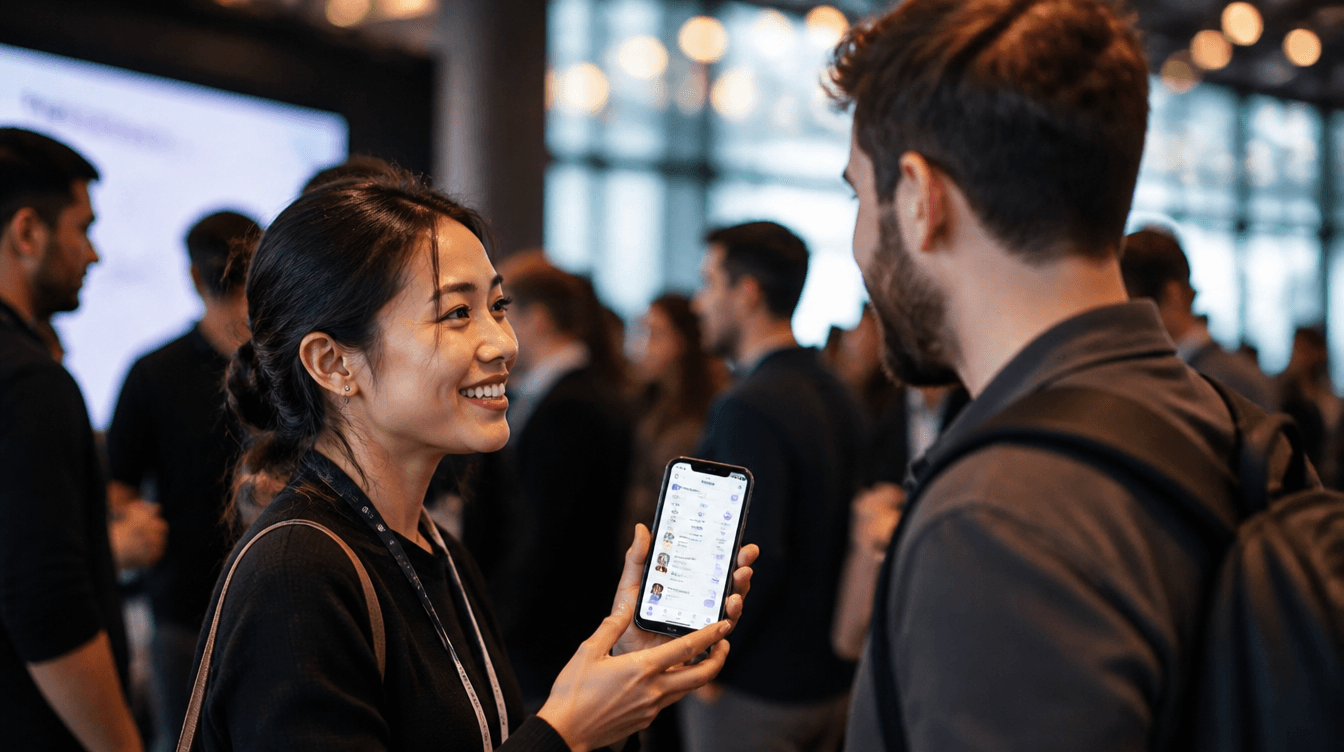
Event Networking Apps Compared: Brella, Grip, Swapcard and More
Brella, Grip, Swapcard and other conference networking apps compared — how founders use matchmaking to book meetings before the event starts.
An event networking app is the matchmaking layer built into most modern conference apps — instead of scrolling a 400-page attendee list, you open Brella, Grip, or Swapcard, list what you're looking for, and the app suggests people worth meeting. Used well, a good conference networking app lets you book your first three meetings before the opening keynote. Used badly, it's a digital badge scanner you ignore for three days.
This guide compares the big three — Brella, Grip, and Swapcard — plus the other platforms you'll run into at startup events in 2026, and gives you a founder-specific playbook for each one. If you're still deciding which events deserve this level of prep, start with our conference prep guide for founders and our breakdown of how to measure whether a startup event was worth it.
What is an event networking app?
An event networking app is the attendee-facing mobile or web app an event provides (or sponsors) that combines the agenda, the attendee list, and a matchmaking system for scheduling 1:1 meetings. At most startup conferences the core loop is the same: you build a profile, state who you want to meet, the app recommends matches, and you send meeting requests that land on both parties' calendars for a specific time and place — usually a dedicated networking area or a table near the expo floor.
The reason founders care: the matchmaking turns a random hallway lottery into a pre-booked schedule. Instead of hoping you bump into the right investor or customer, you can see who's attending, request 15-minute slots, and walk into day one with a full day of qualified meetings. For a longer look at where this trend is heading, see our coverage of AI-powered networking at tech events in 2026.
Brella vs Grip vs Swapcard: quick answer
Short version: Brella for interest-based matchmaking at tech and startup events, Grip for AI matchmaking and exhibitor-heavy trade shows, Swapcard for large multi-track conferences where you also need the full event experience (agenda, exhibitors, streaming) in one app. All three let you message attendees and book meetings; they differ in how they recommend matches and how much of the event they try to run.
Brella review: the startup crowd's default
Brella's matchmaking is built around interests and intents — you pick what you're offering and looking for (say, "hiring engineers" or "seed investors in climate tech"), and the app ranks suggested attendees by overlap. Its clean agenda and simple meeting scheduling made it a default at a lot of startup and tech events, especially in Europe. The pitch for sponsors is "intelligent matchmaking" — your company appears as a suggested match to relevant attendees, which is worth knowing as a founder: a "recommended" match is sometimes a sponsored placement, not pure algorithmic destiny.
Where Brella shines for founders: the profiles are short, so scanning 30 suggested matches takes minutes, and the in-app chat is low-friction — one intro message usually converts to a meeting slot. Where it's weak: at huge multi-venue events it can feel thin, and if attendees don't fill in their intents, the recommendations degrade to noise.
Grip review: AI matchmaking for bigger events
Grip leans hardest into AI matchmaking of the three. Its recommendation engine learns from what you browse, save, and message — the app behaves a bit like a professional matching app for people worth meeting, with "connect" requests standing in as the signal. Grip shows up at large trade shows and industry expos where exhibitors care about lead capture, so it also has solid tools for scanning and qualifying conversations on the floor.
The founder tradeoff: Grip's matches are only as good as your profile and early behavior. Complete your profile before the event, connect with a few obviously-right people on day zero, and the engine warms up to you. Treat it passively — open the app once, ignore the suggestions — and you'll get generic matches. Grip also blends sponsored recommendations into the feed more explicitly than Brella, so read the labels before you sprint across a venue for a booth pitch.
Swapcard review: the full-event platform
Swapcard is the heavyweight: an event management platform that includes AI-powered networking alongside the agenda, exhibitor directories, live streaming, and session registration. You'll see it at big multi-day conferences run by professional event teams. For attendees it means one app for everything — you book a morning meeting through its matchmaking, add sessions to your agenda, and get a map to the right hall.
The strength is depth: rich attendee profiles (job title, company, what you're looking for) make filtering genuinely useful at events with thousands of people. The cost of that depth is friction — more setup, more fields, more UI than Brella's minimalist screens. Founders who win on Swapcard fill out the profile completely, use filters aggressively (investors in my stage and sector, customers in my ICP), and pre-book meetings in the quiet days before the schedule fills up.
Other conference networking apps you'll see in 2026
Beyond the big three, a handful of platforms own specific niches, and you'll bump into them depending on which events you attend:
- Whova — the community-board champion. Whova's matchmaking is lighter than Brella's, but its community boards (ride shares, dinner plans, topic threads) create the informal serendipity that matchmaking apps miss. If your event runs on Whova, spend as much time in the boards as in the meetings tab.
- Cvent Attendee Hub — the enterprise default. Cvent is everywhere corporate events run, and its networking is competent if unspectacular: profiles, search, meeting requests. Do the search manually instead of waiting for recommendations.
- Braindate — peer-learning matchmaking. Instead of 1:1 "who to meet" matching, Braindate books topical group conversations you propose or join. Great for founders who'd rather host a table on a problem they know deeply than collect badge scans.
- The event's own tools — plenty of startup events still run matchmaking through a Luma community page, a Slack, or a spreadsheet plus hashtag. For choosing between event platforms as an organizer, see our comparison of Luma vs Eventbrite vs Meetup for founders.
A note on the "best networking apps for events" question: there isn't a universally best event networking app, because you don't choose the platform — the event organizer does. Your job is to be excellent at whichever app shows up in your registration email. If you're tracking which events are coming up in your city in the first place, these apps help you find startup events near you.
How do founders use a conference networking app to book meetings before the event?
The playbook below is the same regardless of platform. The window that matters is the 5-14 days before the event, when attendee lists are populated and everyone's calendar is still open:
- Complete your profile the day registration opens. Photo, role, one-line description of what you do, and — on apps that support it — explicit intents: who you want to meet and why. Blank profiles get skipped in search and get bad matches.
- Set a daily meeting quota before you arrive. Two to three in-app meetings per day is sustainable alongside sessions and hallway conversations — and the meetings you pre-book set the tone for everything else. If you're struggling with in-person conversation once you're there, our conversation starters for networking events help.
- Filter before you browse. On Swapcard or Grip, filter by role and company type first — "investor + my sector," "operator at my ICP companies" — instead of scrolling the full list. Ten filtered, high-quality meeting requests beat fifty spray-and-pray ones.
- Personalize every meeting request. Two sentences: who you are, why them specifically, and a time window. Apps show a preview card — the preview is your entire pitch. "Would love 15 minutes to compare notes on climate ML hiring" outperforms "Let's connect" by an enormous margin.
- Bank the easy yeses early. Book coffee chats and investor intros in the opening days before calendars fill; leave day-two afternoons free for follow-ups from day-one hallway conversations.
- Reschedule gracefully in-app. Cancelled meetings happen — propose a new slot inside the app rather than going dark, because your reliability is visible to a small community that keeps showing up at the same events.
After the event, the app's chat usually goes quiet within a week as everyone logs out — so move every important contact to your own follow-up system immediately. Our non-salesy conference follow-up guide has the exact templates, and the name-memory system keeps you from re-reading badges at the next one.
What if the event has no networking app?
Plenty of great events — meetups, happy hours, small founder dinners — run on nothing but a registration list. In that case, the playbook is: find the attendee list (Eventbrite or Luma often show it), research the three people you most want to meet, and use the event itself as your matchmaking layer — the conference buddy system for founders works even better at app-less events. And the smaller the event, the better the odds everyone who matters is already in the room: tech conferences vs intimate networking events covers when each format wins.
Explore more from 47Hz
47Hz tracks startup events, tech meetups, and founder networking opportunities in cities across North America. Pick your city, enter your email, and get a curated digest every Monday at 6 AM.
Events by city
- San Francisco startup events →
- New York tech events →
- Seattle startup events →
- Austin & Texas tech events →
- Chicago tech events →
Networking guides
- AI-Powered Networking at Tech Events in 2026
- Networking as an Introvert at Tech Events
- How to Follow Up After a Tech Event
Conference prep for founders
- How to Prepare for a Tech Conference
- Side Events and Afterparties: The Real Conference
- Is This Startup Event Worth It? Measuring ROI
The best networking app is the one you actually use before the event starts. Pick your city, subscribe to the digest, and walk into your next conference with meetings already on the calendar.